CapRover to Dokploy Migration: Oracle Cloud VPS Guide
Contents
I’ve been self-hosting with CapRover for a couple of years now. I even wrote two posts about it. CapRover works. However, after spending a day with Dokploy, I don’t want to go back.
Three things made the decision easy.
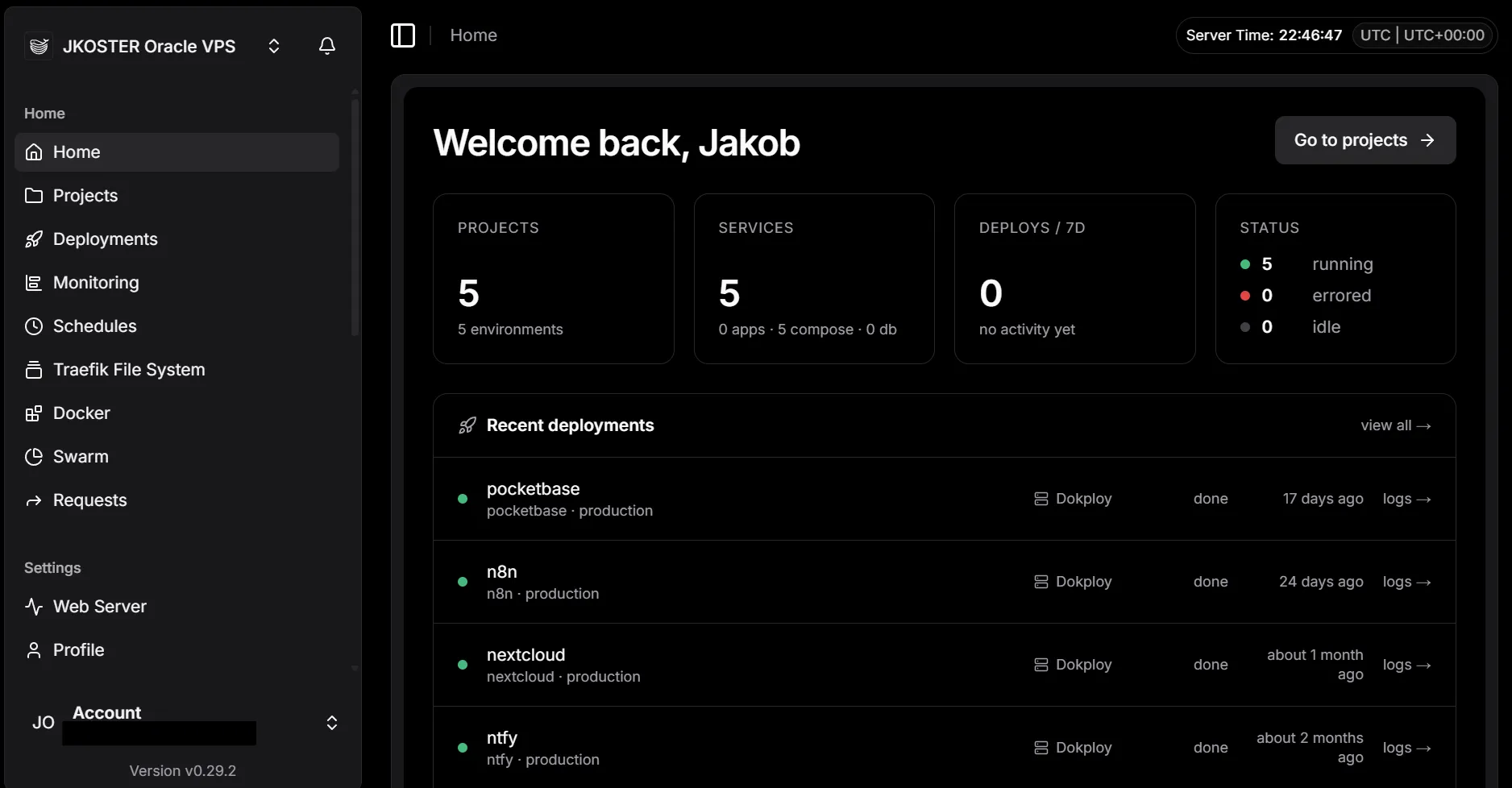
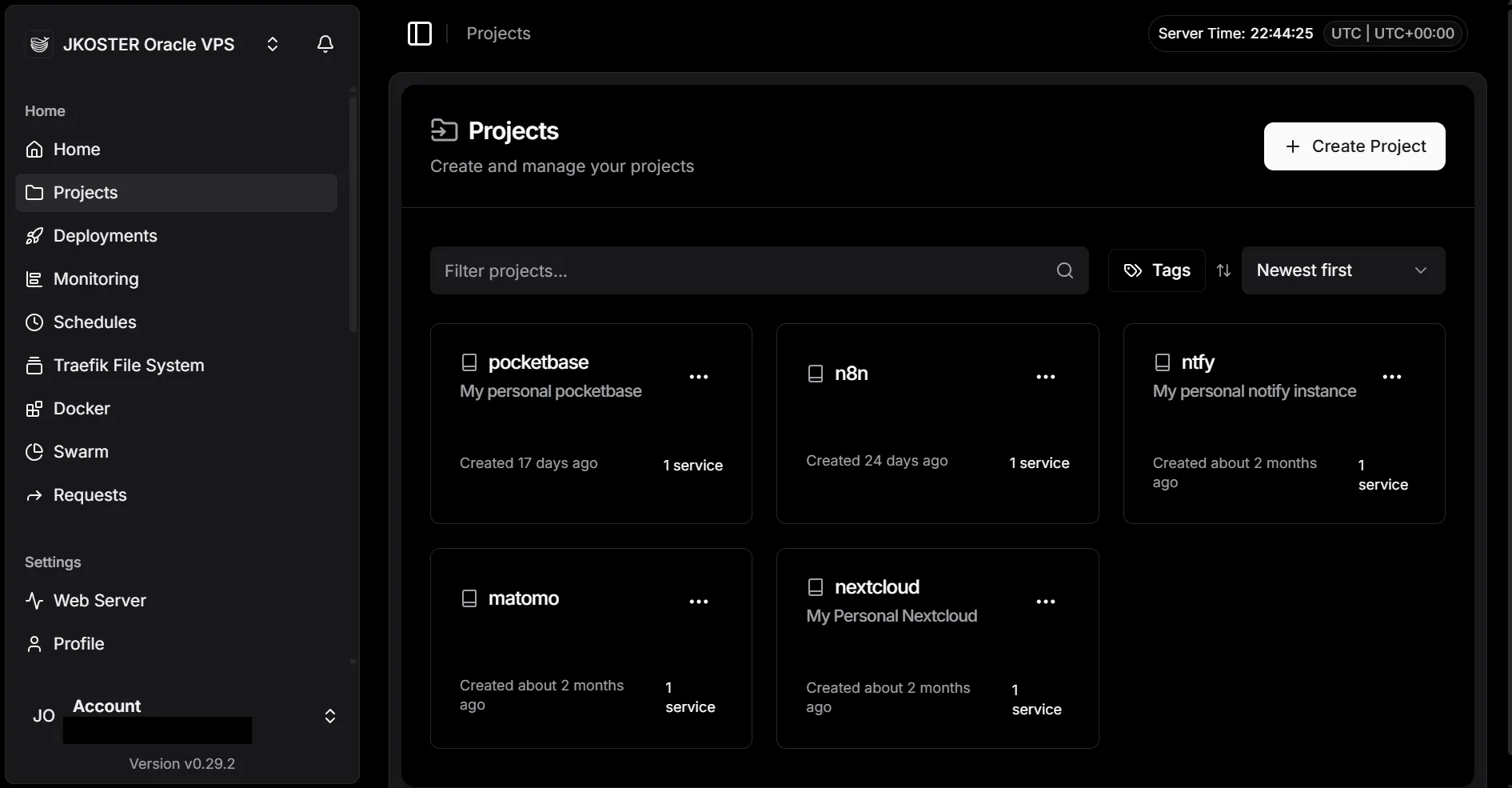
The UI is a different class. CapRover’s dashboard was functional, not enjoyable. Dokploy’s is fast, clear, and shows you what’s actually happening: live build logs, container status, environment variables, domains. All where you’d expect them. It’s the difference between a tool that works and a tool you want to use.
Docker Compose instead of CapRover’s one-service format. At work we’ve run Docker Compose stacks for years. Writing CapRover config always felt like translating. With Dokploy I paste the same compose.yaml I’d use locally. Multi-service stacks with named volumes, dependencies, custom networks. It all just works without adapting to a platform-specific format.
Traefik instead of Nginx. CapRover used a custom Nginx setup with a certbot sidecar for SSL. Dokploy uses Traefik with Let’s Encrypt built in: you add a domain in the UI, Traefik handles the cert. No config files to edit. Traefik is also easier to extend if you need custom routing rules later.
The migration
I moved three services: Nextcloud (14G of files), Matomo, and Cal.com. The actual Dokploy setup was smooth. The Oracle Cloud VPS was not.
The general flow:
- Dump databases and back up app files while CapRover is still running
- Stop CapRover’s nginx to free ports 80 and 443
- Install Dokploy (it takes over those ports via Traefik)
- Create a project and compose service in the Dokploy UI and note the assigned
appName - Pre-restore database dumps into the Dokploy-managed volumes before first deploy
- Deploy the stack, add the domain via the UI, then redeploy to inject Traefik labels
- Verify everything works, then remove CapRover services, volumes, and images
A few things worth knowing if you’re on Oracle Cloud specifically:
Oracle’s VCN subnet collides with Docker’s default overlay pool. Oracle uses 10.0.0.0/24 for the host network; Docker Swarm’s default pool starts at 10.0.x.x. This breaks overlay networking with errors like network sandbox join failed. Fix it before running the Dokploy installer:
sudo tee /etc/docker/daemon.json > /dev/null << 'EOF'
{
  "default-address-pools": [
    {"base": "172.80.0.0/12", "size": 24}
  ]
}
EOF
sudo systemctl restart docker
Ghost VXLAN interfaces survive a Swarm leave. After removing CapRover and running docker swarm leave --force, kernel-level VXLAN interfaces stick around. The Dokploy installer hits error creating vxlan interface: file exists until you delete them:
sudo bash -c "for iface in \$(ip link show | grep -oP '(?<=: )vx-[^ :@]+'); do ip link delete \$iface 2>/dev/null; done"Dokploy’s appName includes a random suffix, and you need it before restoring databases. Volumes are named <appName>_<volume>, where appName looks like nextcloud-nextcloud-i2xehr. You can’t choose it. Query it from Dokploy’s internal Postgres before running any restore:
docker exec $(docker ps -q --filter name=dokploy-postgres) \
  psql -U dokploy -d dokploy -c 'SELECT "appName" FROM compose;'
The dokploy-network requirement is easy to miss. Traefik only routes to containers on the dokploy-network Docker network. Add it as an external network in every compose stack and attach the HTTP-facing service to it. Otherwise Traefik can’t see the container at all. Then after adding a domain in the UI, always trigger a redeploy: labels are injected at deploy time, not when you save.
Result
All three services migrated in a day. The Nextcloud 14G file volume stayed as a bind-mount, no data to move. Disk went from 22G free to 46G after cleaning up CapRover volumes and images.
Dokploy is the better tool in my opionion. If you’ve been running CapRover and it’s been fine but never great, the migration is worth an afternoon.
