Contents
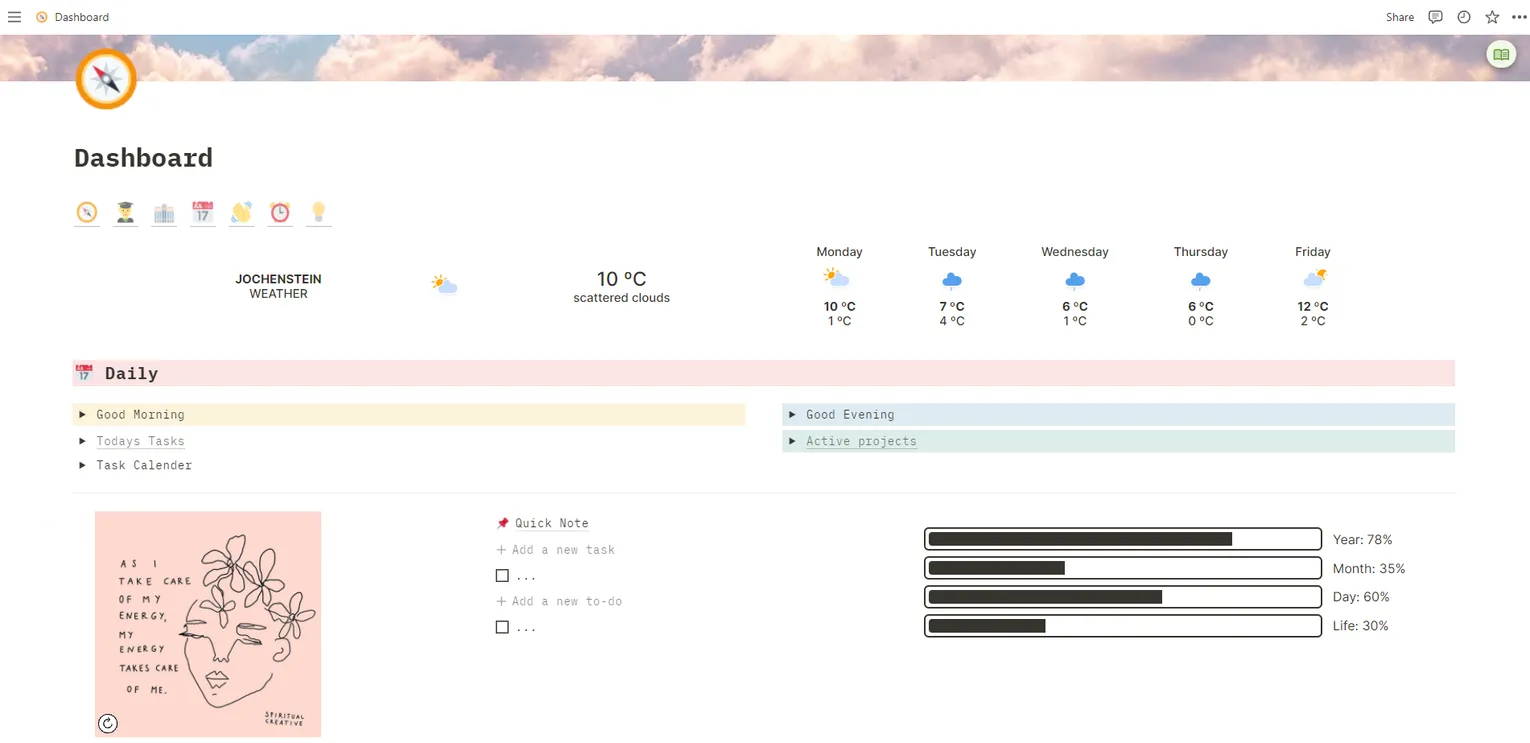
Notion is an all-in-one workspace that replaces the scattered mess of separate note-taking apps, task managers, and wikis with a single tool. Here’s what it does well, and where it falls short.
Advantages of using Notion
Flexible Workflows
Notion connects notes, tasks, databases, and wikis in one place, accessible across all your devices. Whether you’re a student or a professional, you can build workflows around how you actually work.
Use Notion for Anything
One of Notion’s strengths is versatility. A few things it can do:
- 📑 Manage your notes and knowledge: Keep your ideas, research, and insights organized in a structured and easily searchable format.
- ✅ Personal task management: Stay on top of your to-do lists and track your progress easily.
- 🚀 Collaborative project management: Work seamlessly with your team, assign tasks, and track project milestones all within Notion.
- 📚 Create wikis and databases: Build comprehensive knowledge bases or organize data in a user-friendly and customizable format.
- 🌐 Intuitive website creation: With Notion, you can even design websites, whether for personal portfolios, blogs, or professional landing pages.
- 👨🏫 Powerful presentations: Ditch powerpoint and google slides and create interactive presentations within Notion using Wunderpresentation.
Free and Accessible
Notion offers a personal plan that is entirely free, with unlimited pages and blocks. And if you’re a student, you get the personal-pro plan for free, which would otherwise cost $5/month.
Disadvantages and Limitations of Notion
Notion is a online-only tool, which means you need an internet connection to access your data. However, you can download your pages as PDFs or Markdown files for offline access.
Furthermore, if you are very security and privacy focused you might want to look into other tools. Notion is a cloud-based tool, which means that your data is stored on Notion’s servers. However, Notion does offer two-factor authentication and encrypts your data at rest and in transit according to their policy.
If you rather want to host and control your data yourself, you can use Obsidian.md. It’s a free note-taking application that uses handle markdown files, syncs them across devices and offers a big community with lots of plugins and themes.
Get Started
You can grab my collection of Notion templates for students here.
More Tools
Check out my full tools list for other apps and programs I’ve found useful.
Just to clarify, I am not paid or supported by Notion in any way. I just really like the product.
